Outfitly

Outfitly · Guides
Create outfits from your own clothes
Move from a digital wardrobe to a saved outfit, then preview the same combination with virtual try-on.
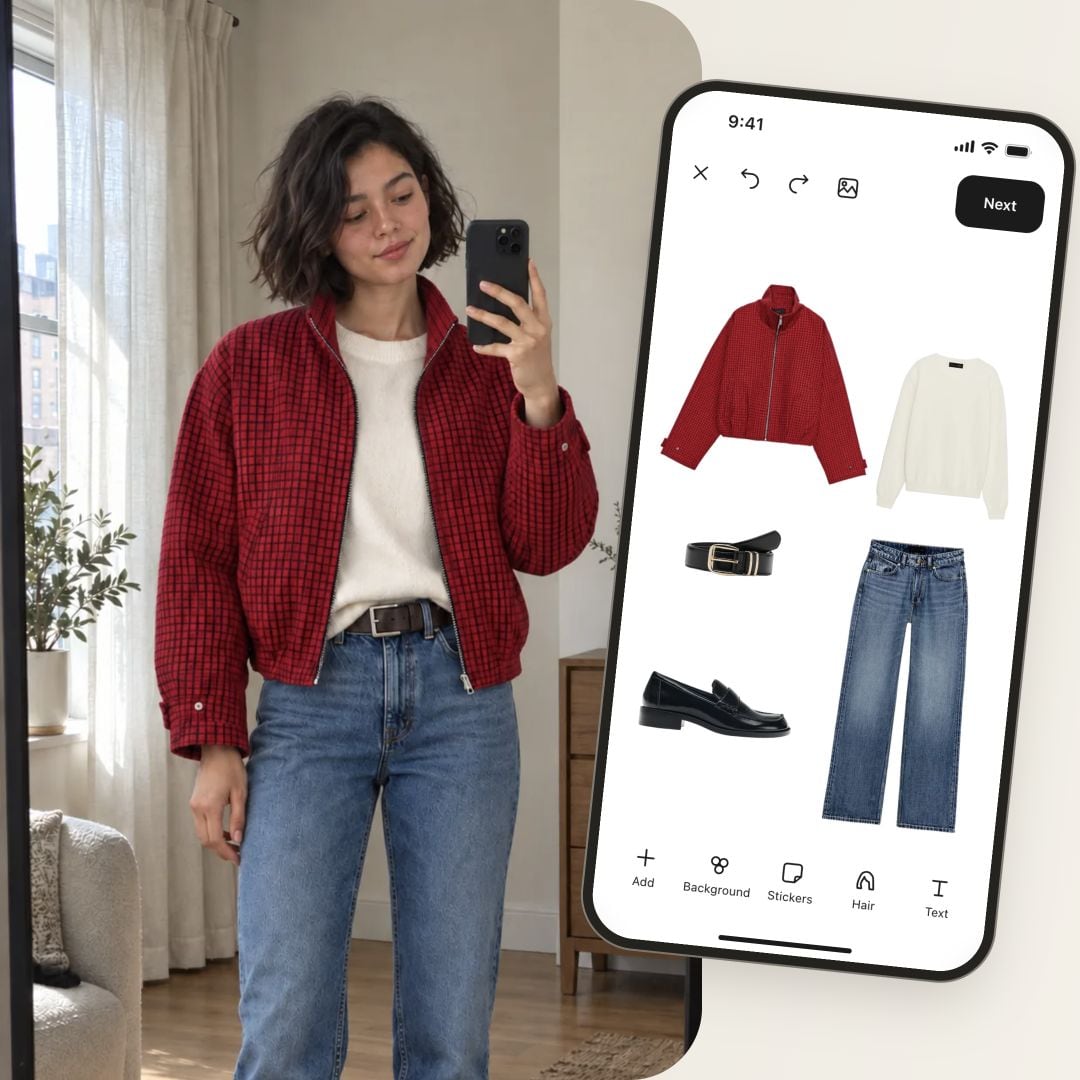
Choose one piece you want to wear and build around it. Here the starting point is a red jacket, paired with a cream knit, blue jeans, a belt and black loafers. The editor and try-on example use that same set.
Illustrative examples using the Outfitly interface.
Start with what you own
Add clear photos to your wardrobe or choose pieces already saved there. Pick the jacket first, then a top, bottoms and shoes. Check color, proportions and the occasion before adding accessories.
See how ↗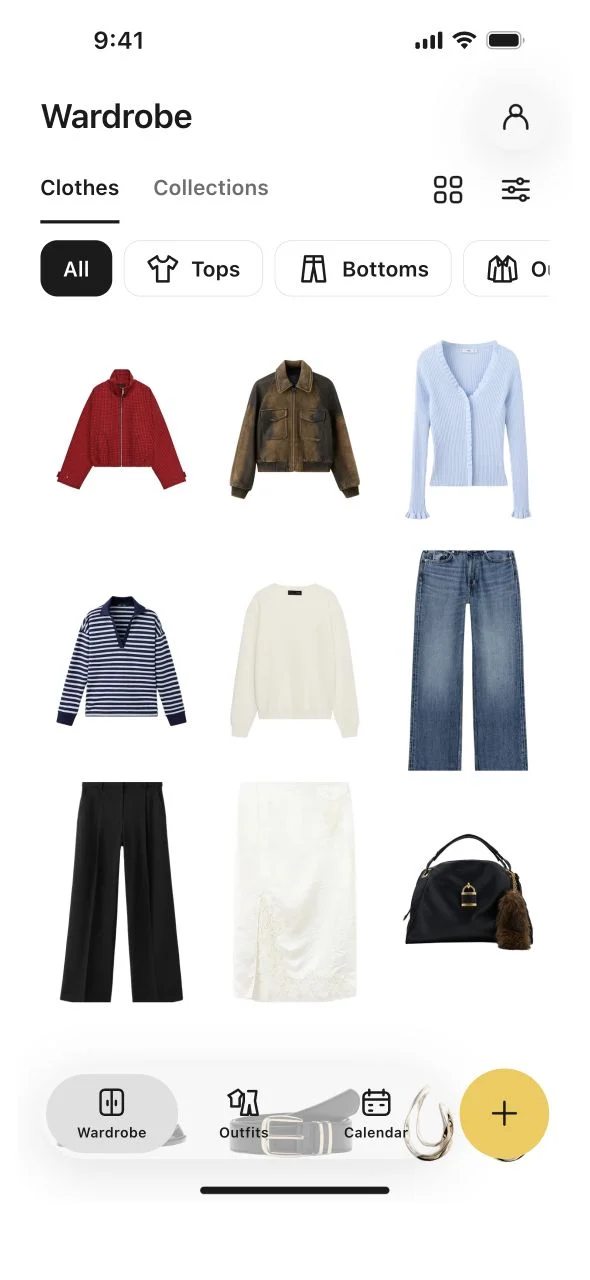
Arrange and save the whole look
Place the five pieces on the outfit canvas. Move and resize them to see the complete combination. Save the outfit; creating and keeping outfits is available without Pro.
See how ↗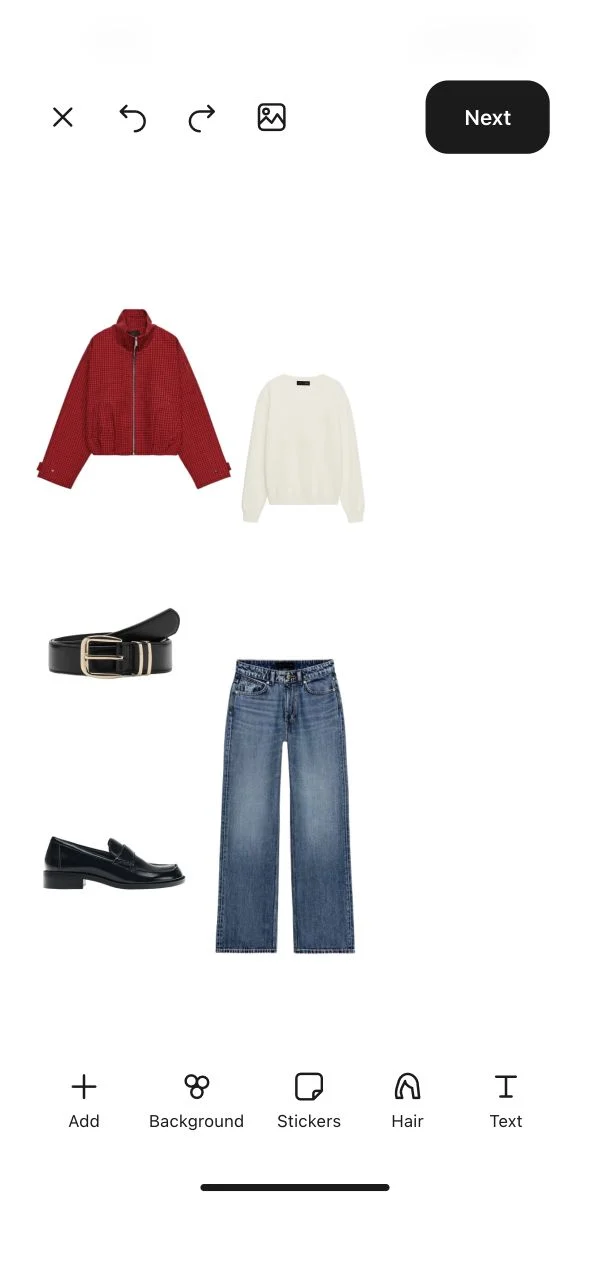
Preview it, then make it yours
Open try-on from the outfit and choose a person and quality. The example is AI-generated; actual fit can differ. Compare the styling, then return to the outfit if you want to change a piece.
AI visualization helps explore a look; actual fit may differ.
See how ↗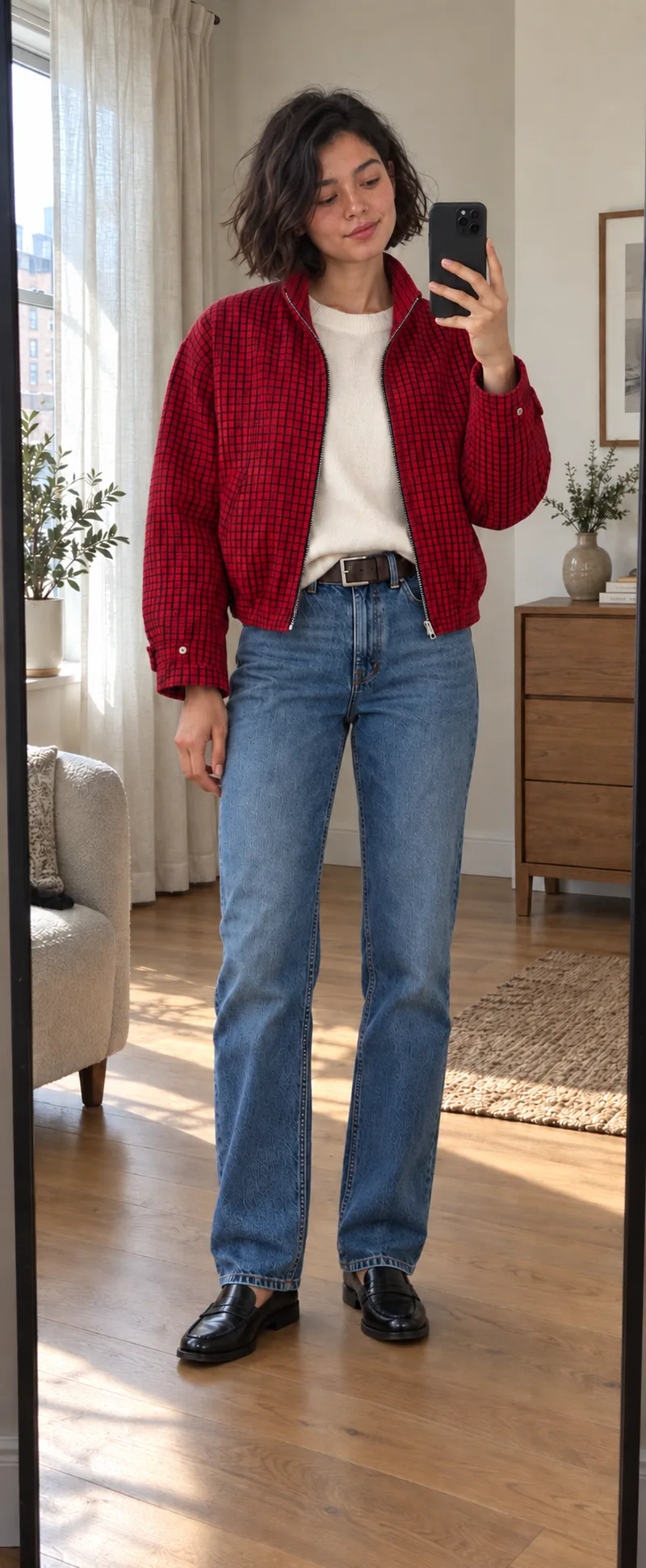
What you keep
Create outfits from your own clothes
You keep an editable outfit made from your own wardrobe. Add it to a collection or the calendar so the idea is ready when you need it.
See what’s included. ↗Common questions
Can I use Outfitly without Pro?
Yes. Add unlimited clothes, save outfits, create collections and remove backgrounds. Organize your wardrobe, plan your calendar, use statistics and keep packing or shopping lists without a subscription.
Do I need to upload my entire wardrobe?
No. Start with a few favorites and add more whenever you like. The free plan has no clothing-item limit.
Can I plan outfits without AI?
Yes. Create and save outfits, then add them to your calendar for free. Pro Plan ahead suggests looks for you to review and confirm one day at a time.
What makes Pro worth it?
Pro helps you wear more of what you own: ask your AI stylist, review a suggested week and discover your Style DNA. It also adds smarter photo analysis, photo enhancement and creative tools, with more scans and try-ons.
Guides
Make your wardrobe work for your plans.
Three practical guides: a weekly capsule, a packed bag and an outfit made from clothes you already own.
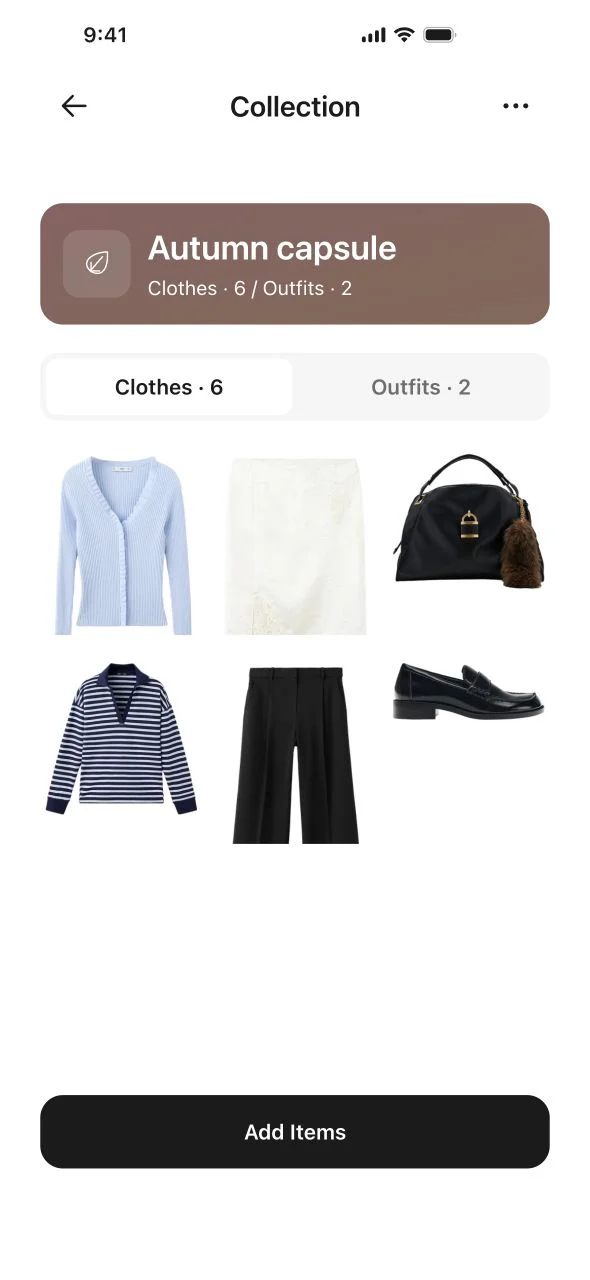
A capsule wardrobe for the week
Build a small collection, save combinations and plan your week with clothes you already own.
Explore the guide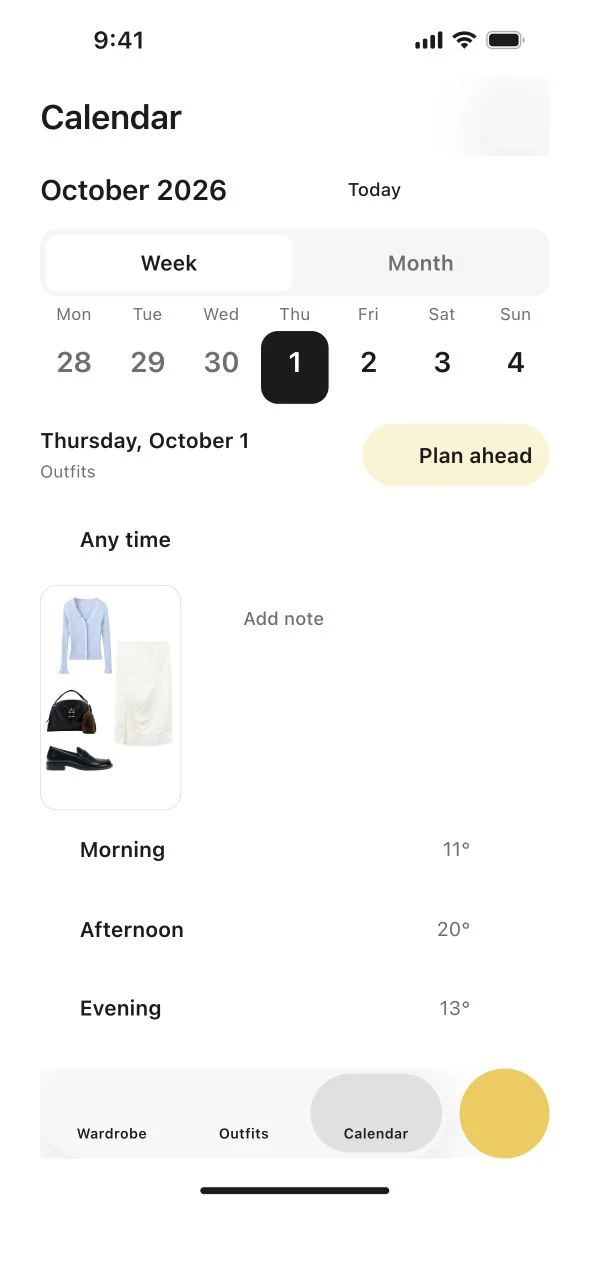
Pack for a trip, starting with outfits
Plan what you will wear, turn the outfits into a packing list and check off each shared piece once.
Explore the guide