Outfitly


01 / Digital wardrobeFREE
Your clothes. A fresh perspective.
Unlimited clothes, outfits, collections and background removal. Your everyday wardrobe tools are already included — make them yours.
DIGITAL WARDROBE & AI OUTFIT PLANNER
Meet the possibilities hiding in your wardrobe. Organize your clothes, create looks with AI and plan what to wear — all in Outfitly.
Unlimited clothing items · FREE
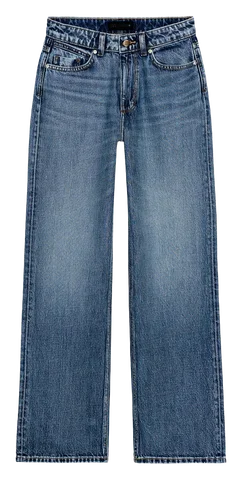
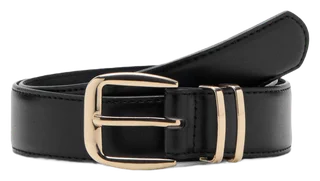
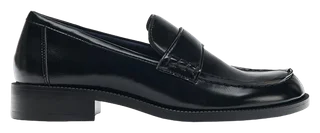
01 / Digital wardrobeFREE
Unlimited clothes, outfits, collections and background removal. Your everyday wardrobe tools are already included — make them yours.
02 / Outfit makerFREE
Arrange your clothes on a canvas, add details and save a look worth repeating.
03 / Virtual try-onAI
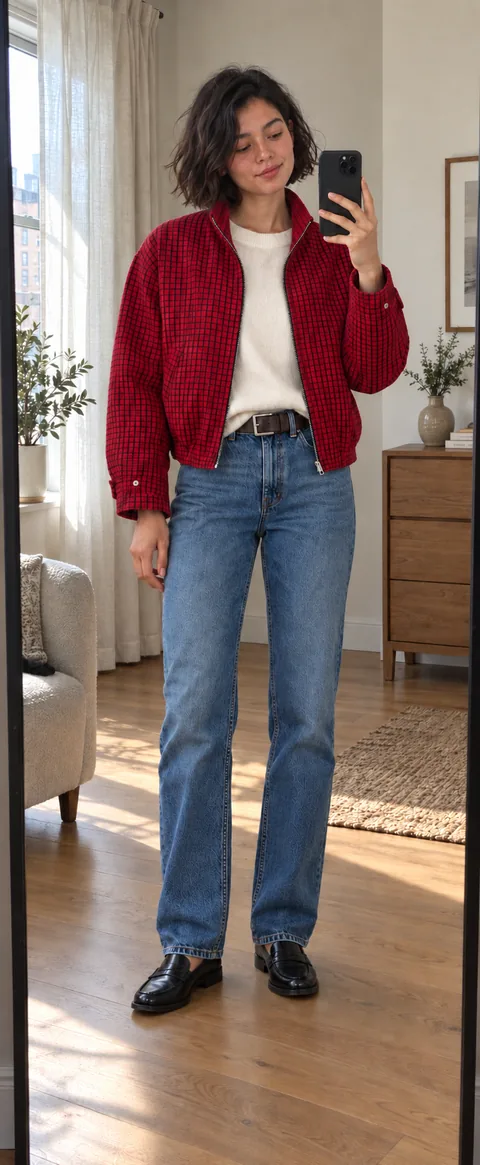
Preview a look on your photo, an AI avatar or an AI model. Compare the styling before you get dressed.

AI visualization helps explore a look; actual fit may differ.
FREE
Unlimited clothes, outfits, collections and background removal. Your everyday wardrobe tools are already included — make them yours.
Create and save outfits, then add them to your calendar for free. Pro Plan ahead suggests looks for you to review and confirm one day at a time.
Explore colors, categories and outfit coverage. Start with clothes that are not part of a saved outfit yet.
One list for your trip outfits
From shopping idea to wardrobe
01 / Digital wardrobeFREE
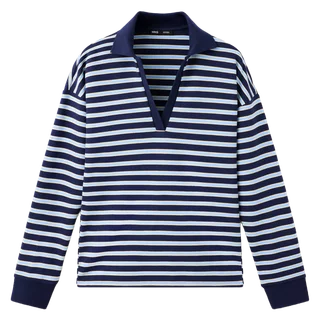
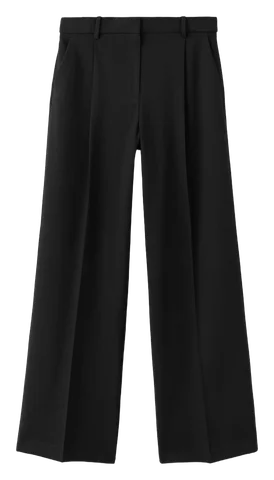
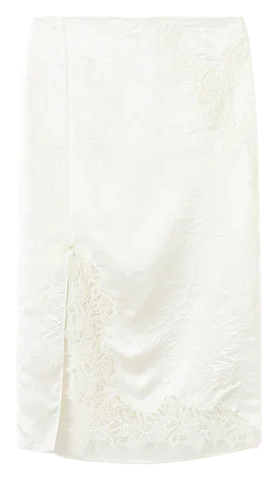
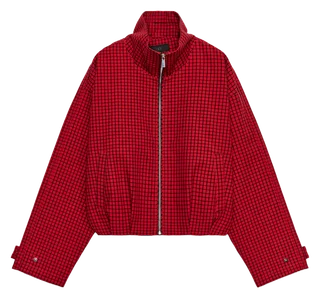
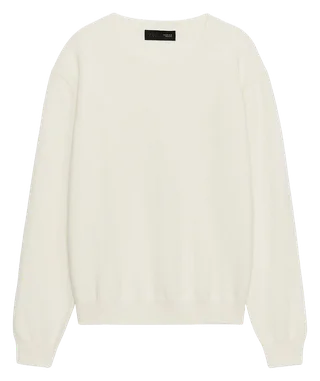
Turn photos and online finds into a digital wardrobe. Clean cutouts make every piece easy to see, find and wear again.
Take a photo, choose from your gallery or import from a website.
Filter by category, season, color, brand or your own labels.
Keep capsules, trip outfits and shopping ideas together in collections.
02 / Outfit makerFREE
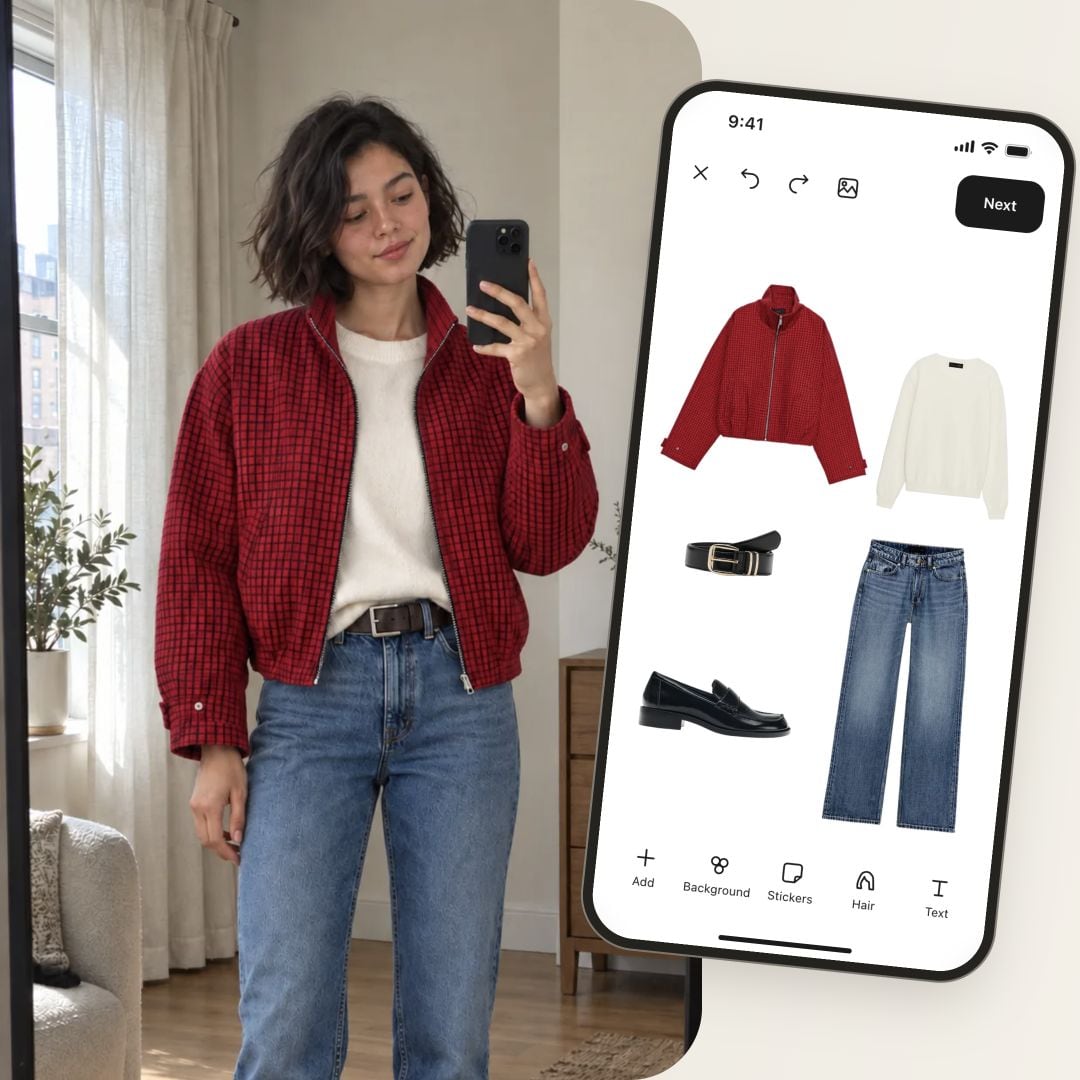
Arrange your clothes on a canvas, add details and save a look worth repeating.
In Outfits, tap + and choose From scratch. Add the clothes and accessories you want to combine.
Move and resize pieces on the canvas. Use the tools to add a background or text, then tap Done.
Back in outfit details, add a season or occasion if useful. Tap Save to keep the outfit.
03 / Capsules & collectionsFREE
Group clothes and outfits for a trip, a season or a smaller everyday wardrobe.
Open Collections in Wardrobe to group pieces for a season, a capsule or a trip.
Open a collection or choose New collection. Name it for what you need, such as your autumn capsule.
Group clothes and outfits. Items can belong to several collections.
Example: Capsules & collections
04 / AI stylistPro
Ask your AI stylist for a real plan, mood or weather. Get outfit ideas from your own clothes, understand the choices and keep the combinations you love.
Mention the occasion, the feel you want and any limits. For example: “A dinner look with my blue top, no heels.”
Use Change shoes or write a specific request. Continue in the same chat to keep the conversation's context.
Tap Why this? or ask a styling question. You can get advice without generating another outfit.
Dinner with friends

AI Stylist


Another look
Change shoes
Why this?
Ask your stylist…


Your wardrobe


Example: AI stylist
05 / Photo inspirationPro
Start with a whole-look reference. Find your own pieces to make it yours.
Open Inspiration from outfit details and choose a photo. Find similar searches the clothes you already own.
Review the shapes and colors. A Possible match may capture only part of the reference; choose what works for you.
Tap Add to bring the selected pieces onto your current canvas, then arrange the look.
06 / Virtual try-onPro
Preview a look on your photo, an AI avatar or an AI model. Compare the styling before you get dressed.
Open Try on from an outfit. Use your avatar, choose Use my photo, or switch to On a model.
Preview gives a quick impression. Detailed focuses on clothing details and uses the allowance shown on screen.
Compare the image with your outfit. Save it if useful, or share it to get another opinion.
AI visualization helps explore a look; actual fit may differ.
See howExample: Virtual try-on
07 / Outfit plannerFREE
Build outfits for the days ahead, with weather and occasions in view. Plan a single day or ask Pro to help with a whole week.
Open Plan ahead from Calendar. Choose a date and check its outfit. Try another gives you a different suggestion.
When you like the look, tap Add to calendar. This confirms the outfit for the selected date.
Review the next date separately. Keep, change or skip its suggestion—you decide what goes on your calendar.
Yes. Create and save outfits, then add them to your calendar for free. Pro Plan ahead suggests looks for you to review and confirm one day at a time.
See how08 / Wardrobe statisticsFREE
See your wardrobe by color, category and brand. Find patterns in what you own.
In Profile, tap the chart icon beside Settings. This opens Statistics and your wardrobe breakdowns.
Explore colors, categories and outfit coverage. Start with clothes that are not part of a saved outfit yet.
Main wardrobe · All time
27
Clothes
19
Outfits
3
Collections
In saved outfits
74%
Clothes · 20 / 27
Pieces to rediscover
Most Worn Items

Based on outfits marked as worn in Calendar.

Pieces to rediscover
Not used

Wardrobe breakdown
Colors, categories, brands and seasons

Newest items
Newest items

Wardrobe Value
No prices added yet

Care & laundry
Need washing · 3 / Clean · 24
Example: Wardrobe statistics
09 / Style DNAPro
Understand your style, color combinations and outfit formulas, with suggestions grounded in your wardrobe.
In Profile, tap the chart icon beside Settings. This opens Statistics and your wardrobe breakdowns.
Read your signature, color combinations and outfit formulas. Use the examples as a starting point for new looks.
Style DNA · Pro
Your personal report
Easy shapes. Considered contrast.
Create a personal report from the pieces you already own.
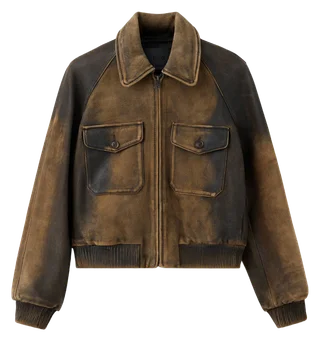
Clothes · 27 / Outfits · 19
Your next step
Use more of my wardrobe
Explore colors, categories and outfit coverage. Start with clothes that are not part of a saved outfit yet.
Your opportunities
Your direction
Use more of my wardrobe
Your personal report
Your signature
Layering role

Color formulas
Try this color formula
Outfit formulas
See the pieces

Style evolution
Previous report
What this report is based on
Pieces used for interpretation
Example: Style DNA
10 / Packing & shopping listsFREE
Plan outfits for a trip and see what to pack. Keep shopping ideas separate until they are yours.
Open a trip collection and add outfits for its days and activities. Then switch to Packing.
Tick each piece when it goes into your bag. The progress count shows how much is left.
A piece used in several looks appears once in the list. Its usage count shows how many outfits need it.

Paris weekend
Oct 23 – Oct 26
Outfits · 2
Packing · 5
Packed · 2 / 5
40%
Packed · Outfits · 2

Packed · Outfits · 2
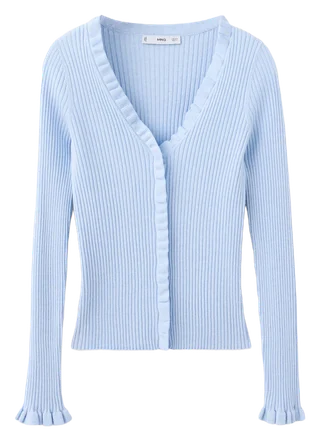
Outfits · 1
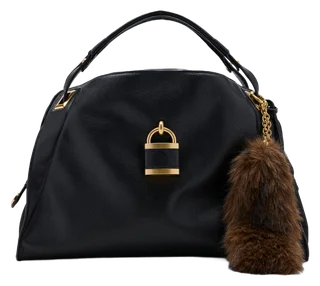
Outfits · 2
Outfits · 1
Each item appears once, even when used in several outfits.

Travel

Example: Packing & shopping lists
Open Wardrobe and tap +. Add one item per photo, or use Scan multiple items for clothes photographed together.
Move and resize pieces on the canvas. Use the tools to add a background or text, then tap Done.
Open Plan ahead from Calendar. Choose a date and check its outfit. Try another gives you a different suggestion.
Guides
Three practical guides: a weekly capsule, a packed bag and an outfit made from clothes you already own.
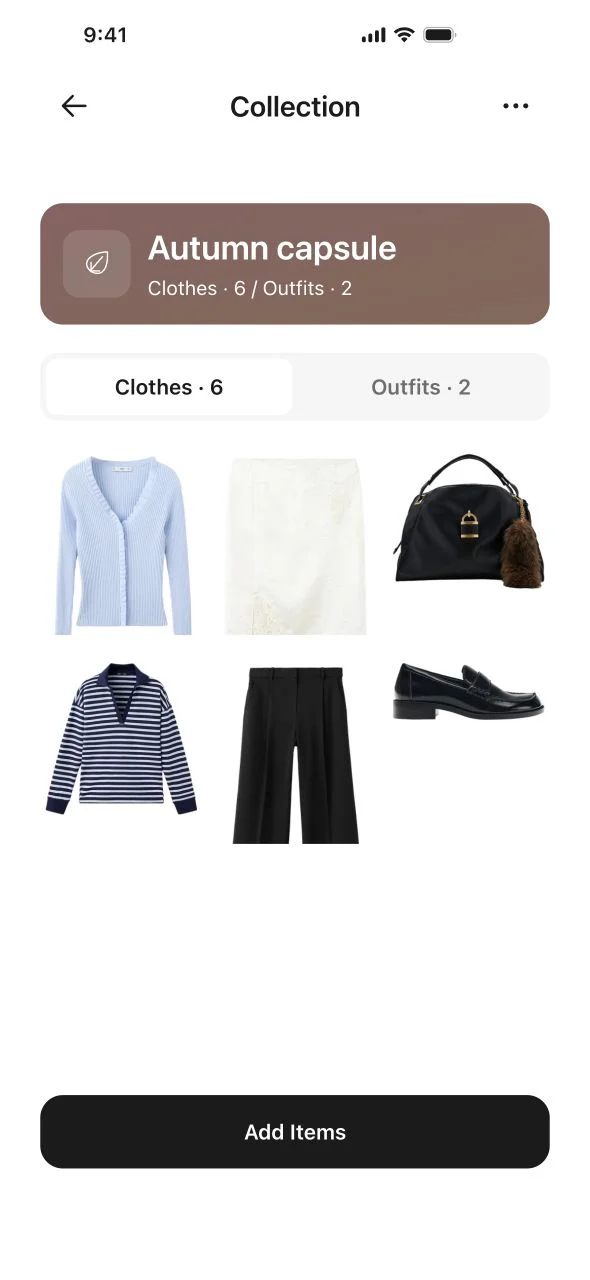
Build a small collection, save combinations and plan your week with clothes you already own.
Explore the guide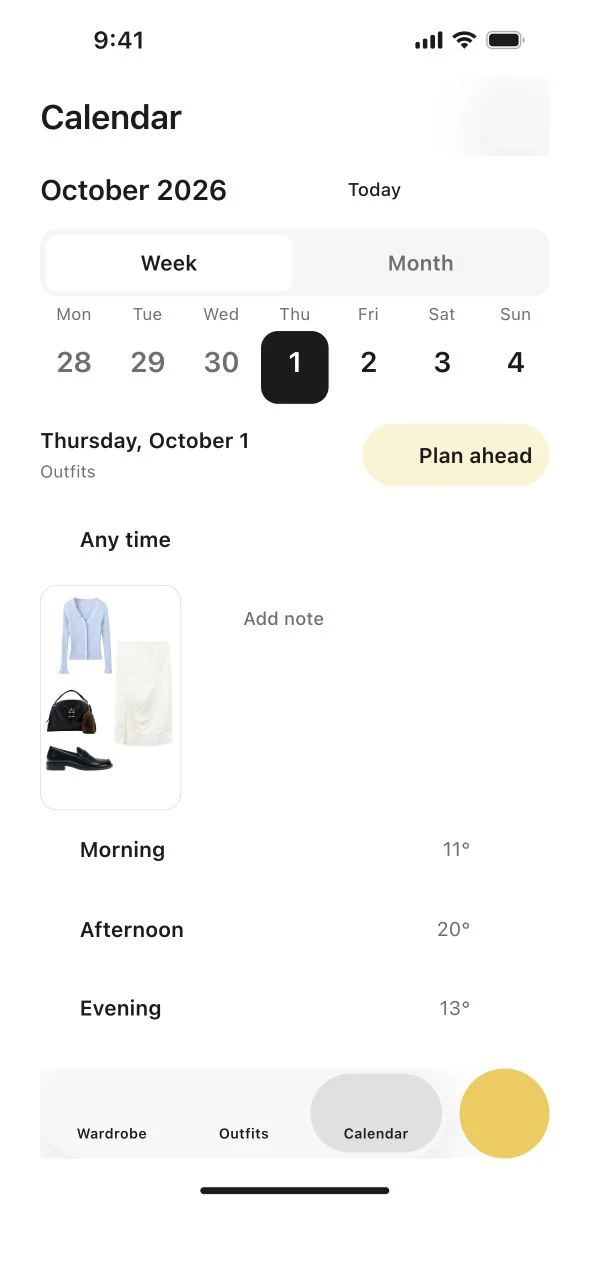
Plan what you will wear, turn the outfits into a packing list and check off each shared piece once.
Explore the guide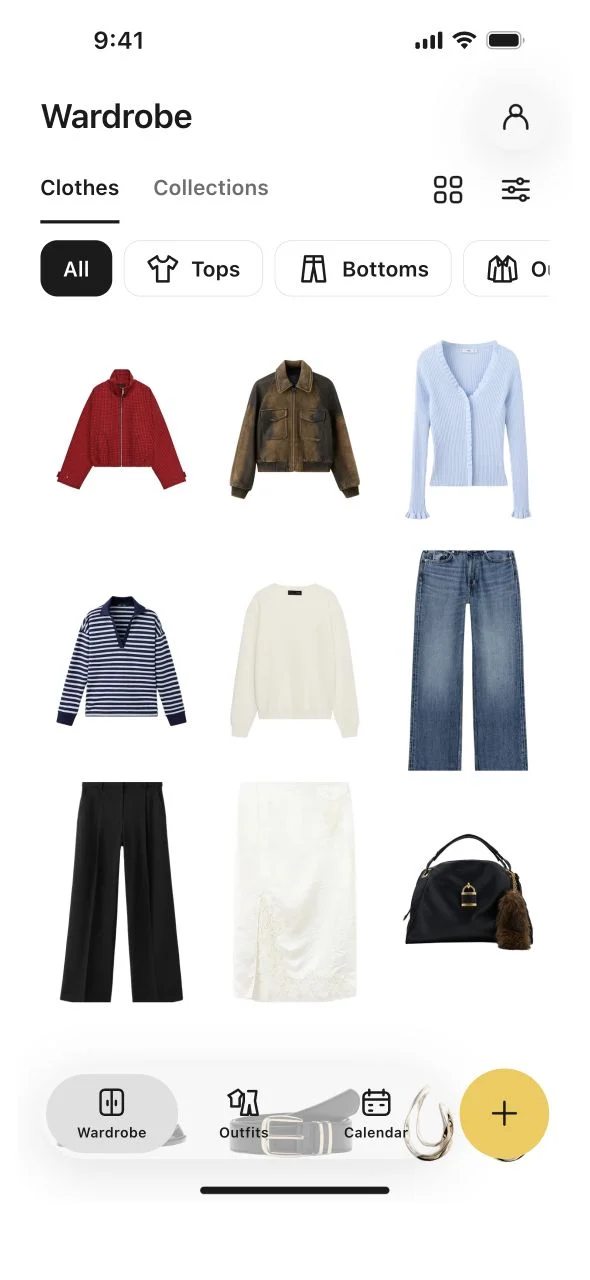
Move from a digital wardrobe to a saved outfit, then preview the same combination with virtual try-on.
Explore the guideOutfitly Pro
One Pro subscription. Every premium tool.
Ideas from your clothes
Outfitly plans seven weather-aware looks from outfits you already saved.
Read your signature, color combinations and outfit formulas. Use the examples as a starting point for new looks.
Category, colours, seasons and brands — filled in for you.
Make every clothing photo look polished
Lay a few items on a bed or floor. Take one photo and choose what to add.
Premium Backgrounds
30 Detailed try-ons/month on your avatar or photo. Unlimited avatar previews and AI-model try-ons.
For new Pro plans. Existing allowances and bonus credits are retained.
Get Outfitly ProSee current plans, prices and any eligible trial in the app before subscribing. Prices and offers depend on your store and region.
See what’s included.| Outfitly | FREE | Pro |
|---|---|---|
| Unlimited clothing items | ∞ | ∞ |
| Unlimited outfits | ∞ | ∞ |
| Unlimited collections | ∞ | ∞ |
| Unlimited background removal | ∞ | ∞ |
| Calendar | Included | Included |
| Statistics | Included | Included |
| Pack for a trip | Included | Included |
| Keep a shopping list | Included | Included |
| AI Stylist | — | Included |
| Plan ahead | — | Included |
| Style DNA | — | Included |
| Smarter photo analysis | — | Included |
| AI Photo Enhancement | 1× | Plenty included |
| Creative tools | — | Included |
| Scan multiple items | 1× | Plenty included |
| Try On | 1× | 30/month |
1× · Once
30 Detailed try-ons/month on your avatar or photo. Unlimited avatar previews and AI-model try-ons.
For new Pro plans. Existing allowances and bonus credits are retained.
Compare apps
Your clothes, saved looks and calendar stay at the heart of Outfitly. Build a weekly capsule, pack for a trip or decide what to wear without keeping up with a social feed.
Official sources · Checked 2026-11-15
Pro uses separate feature allowances, without a shared AI-credit wallet.
30 Detailed try-ons/month on your avatar or photo. Unlimited avatar previews and AI-model try-ons.
For new Pro plans. Existing allowances and bonus credits are retained.
Yes. Add unlimited clothes, save outfits, create collections and remove backgrounds. Organize your wardrobe, plan your calendar, use statistics and keep packing or shopping lists without a subscription.
No. Start with a few favorites and add more whenever you like. The free plan has no clothing-item limit.
Yes. Create and save outfits, then add them to your calendar for free. Pro Plan ahead suggests looks for you to review and confirm one day at a time.
Pro helps you wear more of what you own: ask your AI stylist, review a suggested week and discover your Style DNA. It also adds smarter photo analysis, photo enhancement and creative tools, with more scans and try-ons.
See current plans, prices and any eligible trial in the app before subscribing. Prices and offers depend on your store and region.
Keep the whole item in frame. Use good light and a plain background; avoid covering the edges. Review the cutout before adding it.
Yes. Lay your own clothes apart on a bed or hang them with space between them. Select the pieces AI detected, then review and add them.
Open Recently deleted in Settings and restore the item. Permanently deleted items cannot be restored there.
Yes. Available pieces can be considered even when they are hidden from the main wardrobe grid. Check the wardrobe context you share with the stylist.
Follow-up messages use the current conversation. Ask for a swap or explain what you want to change; a new conversation starts a separate thread.
No. You can ask for advice or an explanation. Request a new look or a specific change when you want another outfit.
Ask the stylist to adapt the look to the weather and mention the place or date. A dinner suggestion does not need weather adaptation unless you request it.
Some pieces are similar rather than exact. Review the confidence label, shape and color, then choose what to add. A reference does not guarantee a match.
Larger wardrobes can take longer to prepare. Check the progress in the app and keep browsing your wardrobe while it gets ready.
Detailed try-ons on your avatar and personal-photo try-ons share the monthly allowance. Pro Preview on avatars and AI-model try-ons are unlimited. See your current balance in Try on.
No. Review a day and tap Add when you want to save it. Changing the selected date does not add the suggestion to your outfits.
Open Profile, then use the chart action beside Settings. Style DNA is available from your wardrobe insights when it is ready.
Only outfits you choose to share appear on your public profile. Adding pieces to your wardrobe does not publish an outfit.
Outfitly
Organize your clothes, create outfits with your own wardrobe, preview looks with AI and plan what to wear. Start free with Outfitly for iOS and Android.
iOS · Android