Outfitly

Bring a reference
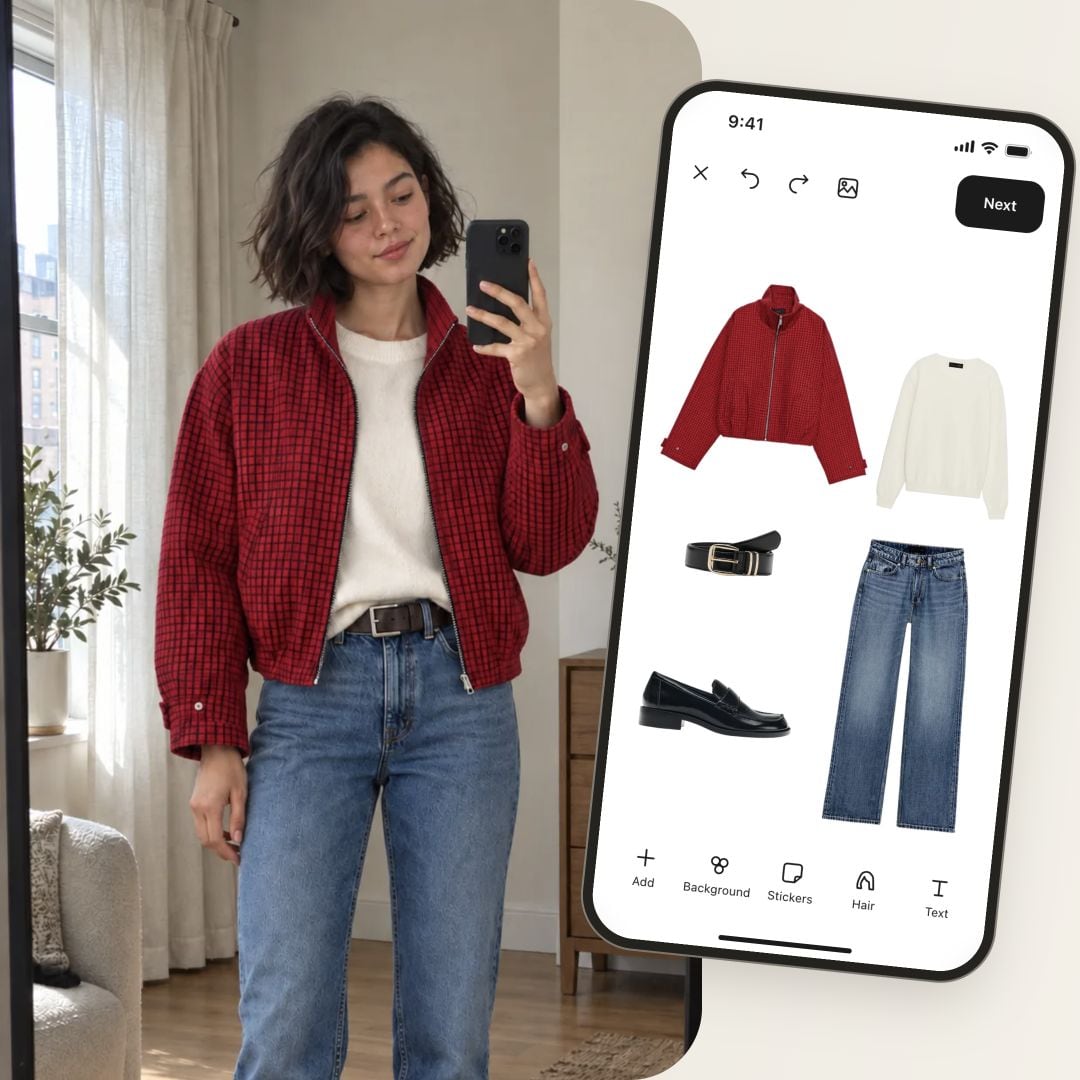
Open Inspiration from outfit details and choose a photo. Find similar searches the clothes you already own.
Outfitly · Pro
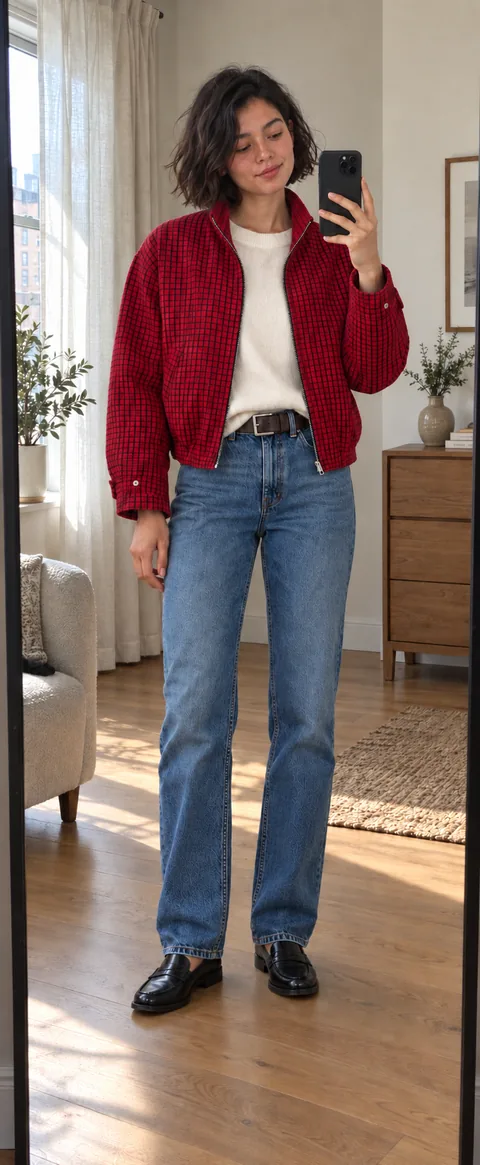
Start with a whole-look reference. Find your own pieces to make it yours.
Get Outfitly free05 / Photo inspirationPro
Start with a whole-look reference. Find your own pieces to make it yours.
Open Inspiration from outfit details and choose a photo. Find similar searches the clothes you already own.
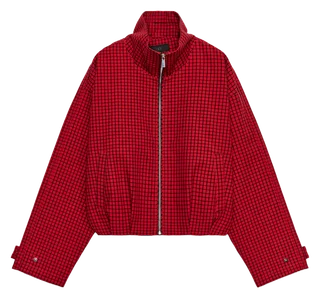
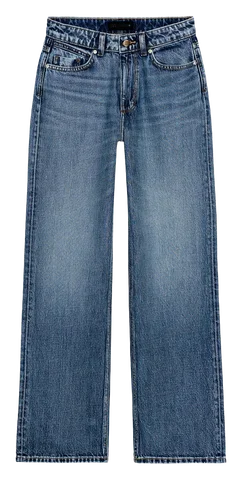
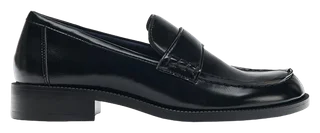
Review the shapes and colors. A Possible match may capture only part of the reference; choose what works for you.
Tap Add to bring the selected pieces onto your current canvas, then arrange the look.
Yes. Available pieces can be considered even when they are hidden from the main wardrobe grid. Check the wardrobe context you share with the stylist.
Follow-up messages use the current conversation. Ask for a swap or explain what you want to change; a new conversation starts a separate thread.
No. You can ask for advice or an explanation. Request a new look or a specific change when you want another outfit.
Ask the stylist to adapt the look to the weather and mention the place or date. A dinner suggestion does not need weather adaptation unless you request it.
Outfitly
Organize your clothes, create outfits with your own wardrobe, preview looks with AI and plan what to wear. Start free with Outfitly for iOS and Android.
iOS · Android