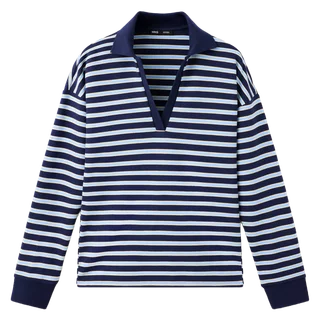
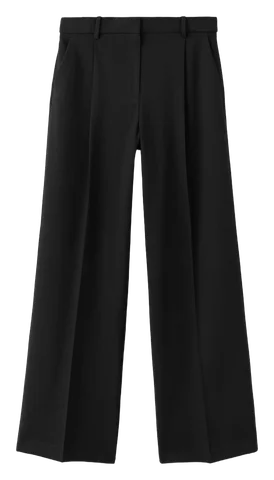
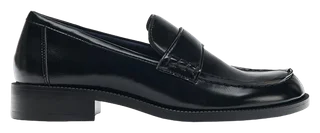
Outfitly

Switch to Collections
Open Collections in Wardrobe to group pieces for a season, a capsule or a trip.
Outfitly · FREE
Group clothes and outfits for a trip, a season or a smaller everyday wardrobe.
Get Outfitly free03 / Capsules & collectionsFREE
Group clothes and outfits for a trip, a season or a smaller everyday wardrobe.
Open Collections in Wardrobe to group pieces for a season, a capsule or a trip.
Open a collection or choose New collection. Name it for what you need, such as your autumn capsule.
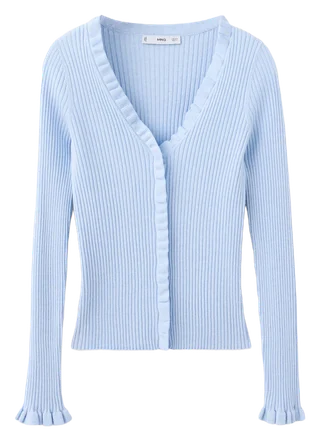
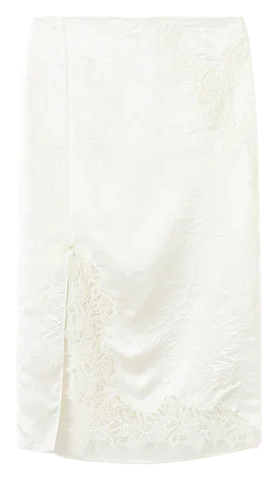
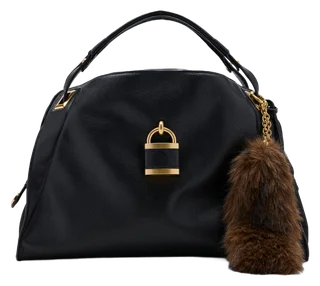
Group clothes and outfits. Items can belong to several collections.
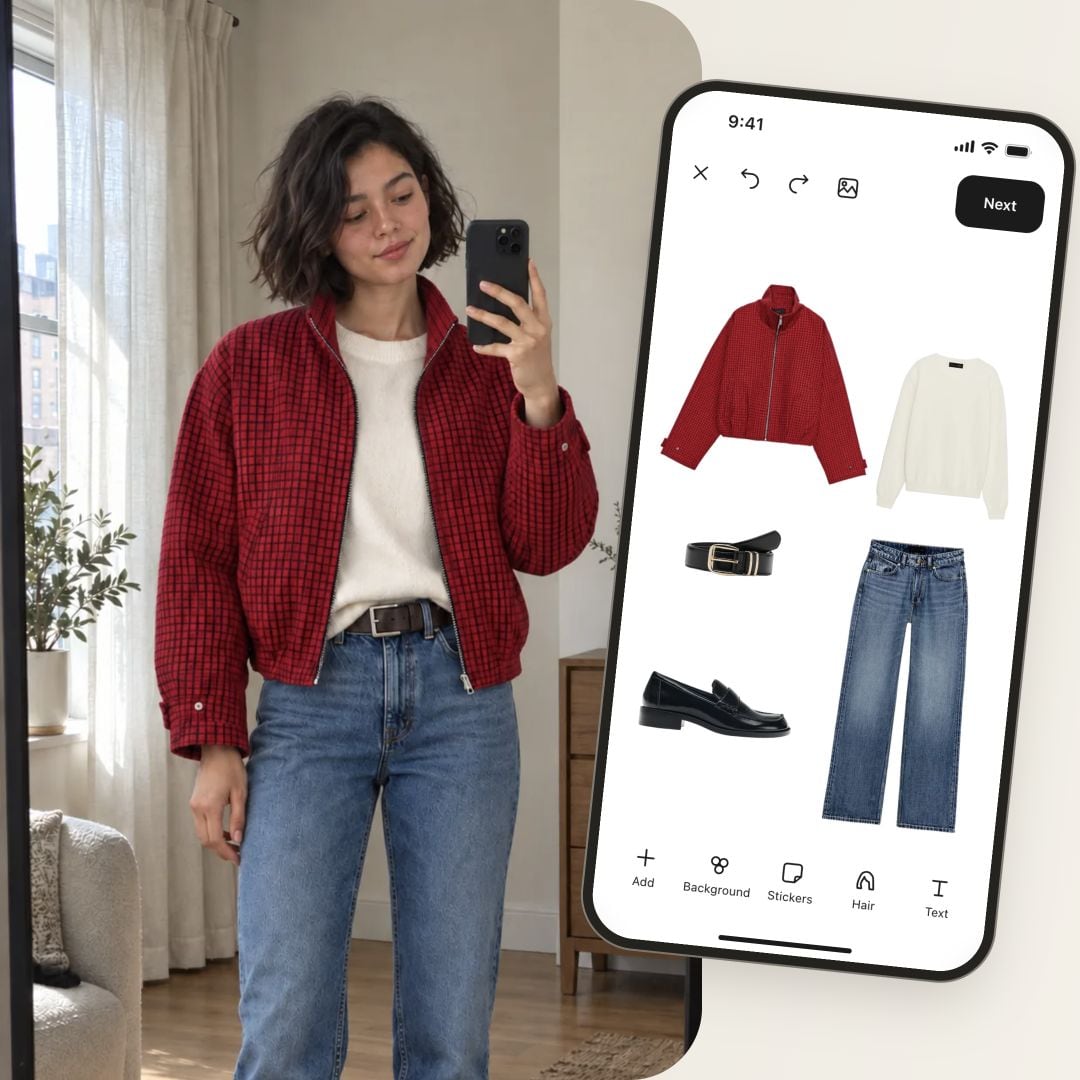
Example: Capsules & collections
Keep the whole item in frame. Use good light and a plain background; avoid covering the edges. Review the cutout before adding it.
Yes. Lay your own clothes apart on a bed or hang them with space between them. Select the pieces AI detected, then review and add them.
Open Recently deleted in Settings and restore the item. Permanently deleted items cannot be restored there.
Outfitly
Organize your clothes, create outfits with your own wardrobe, preview looks with AI and plan what to wear. Start free with Outfitly for iOS and Android.
iOS · Android